


Blackmagic Design DaVinci Resolve Replay Editor
SKU: DV/RES/BBPNLMLEKAR

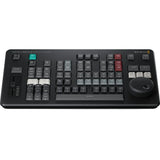
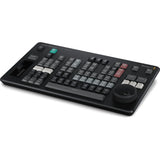
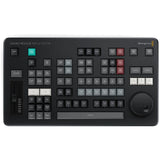
Key Features
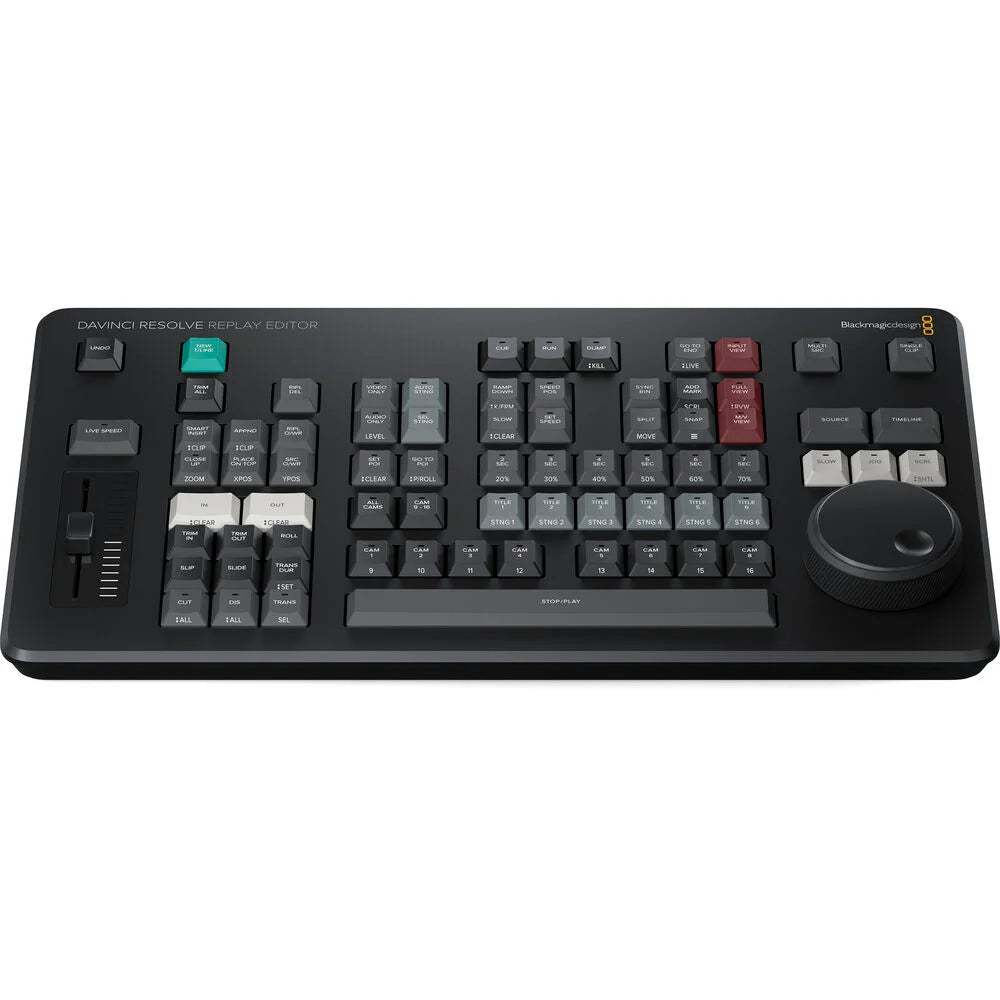
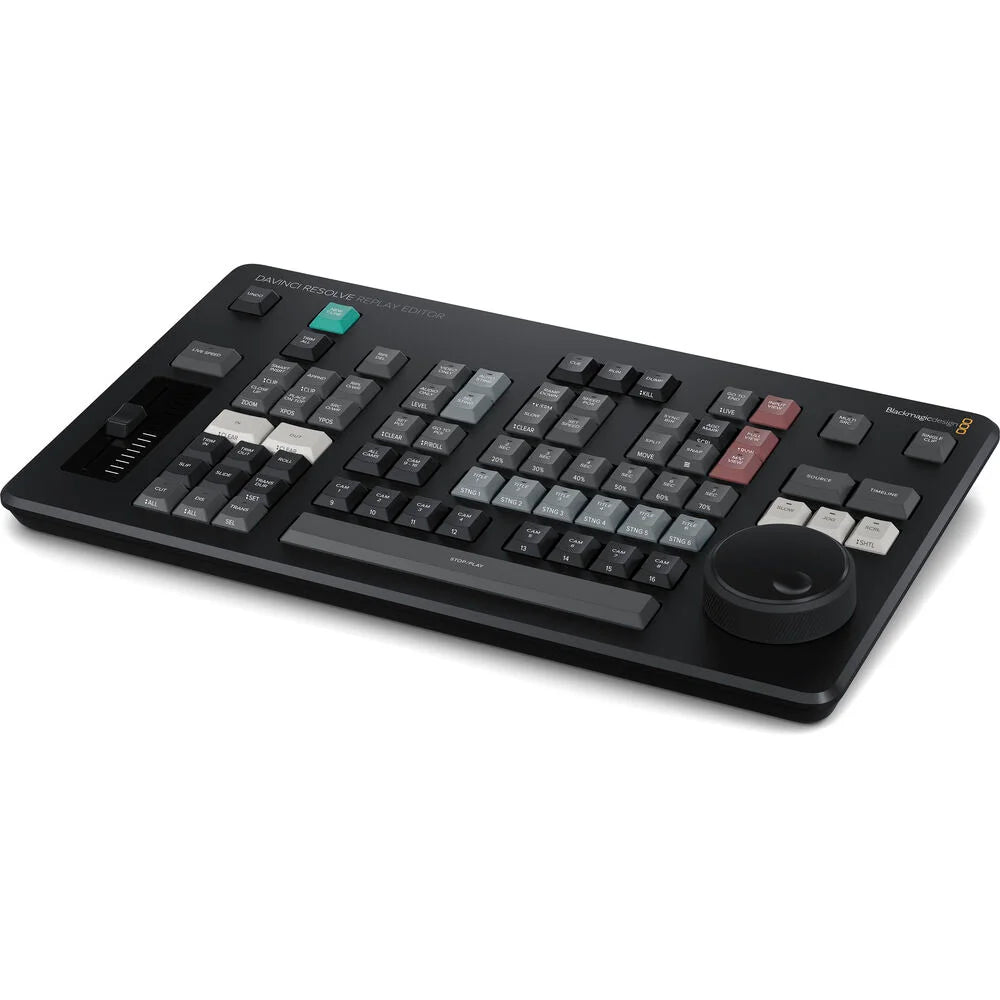
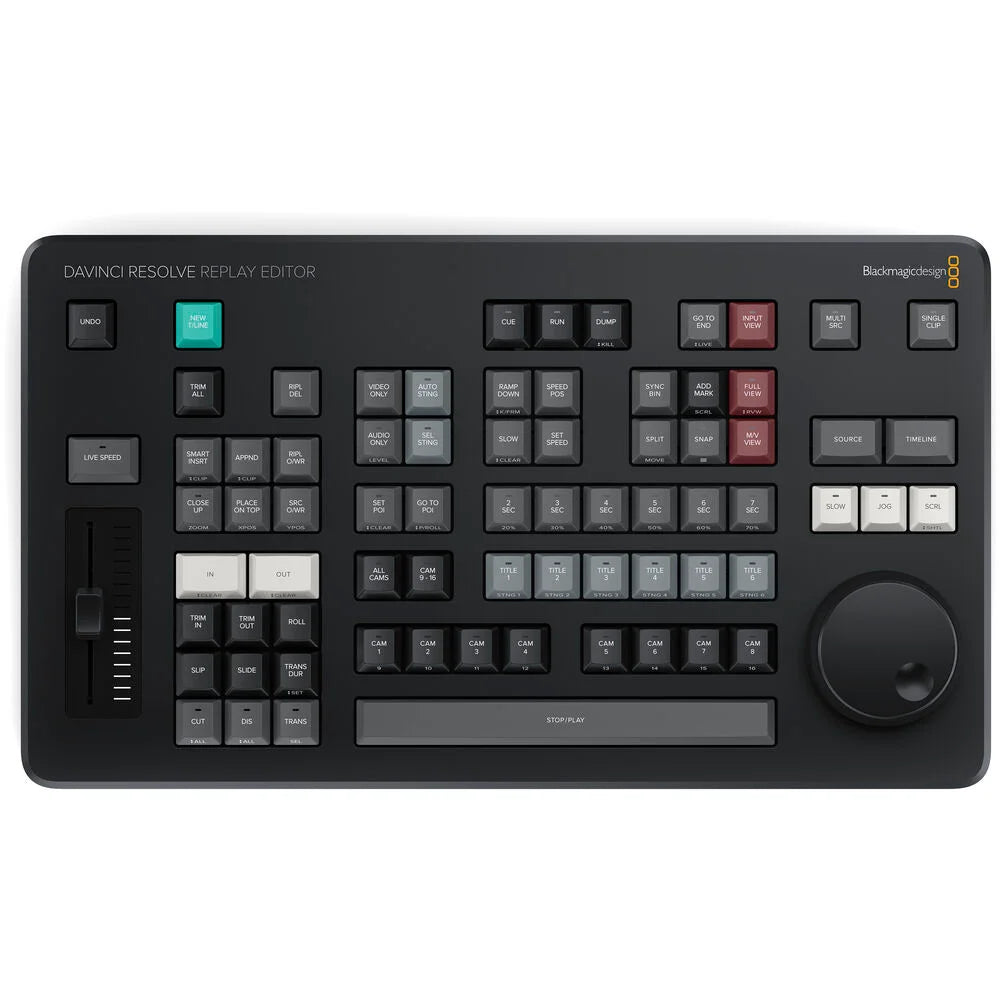
- Dedicated control panel for multicam editing and live sports replay
- Fast camera selection for live replay and news production
- Large search dial for slow motion, jog and scrolling
- Live slow-motion control and speed ramping
- On-air switching between multiple camera angles
- Auto stinger transitions for professional replay playback
- Direct live input and multi-source camera viewing
- Add replays directly to the DaVinci Resolve timeline
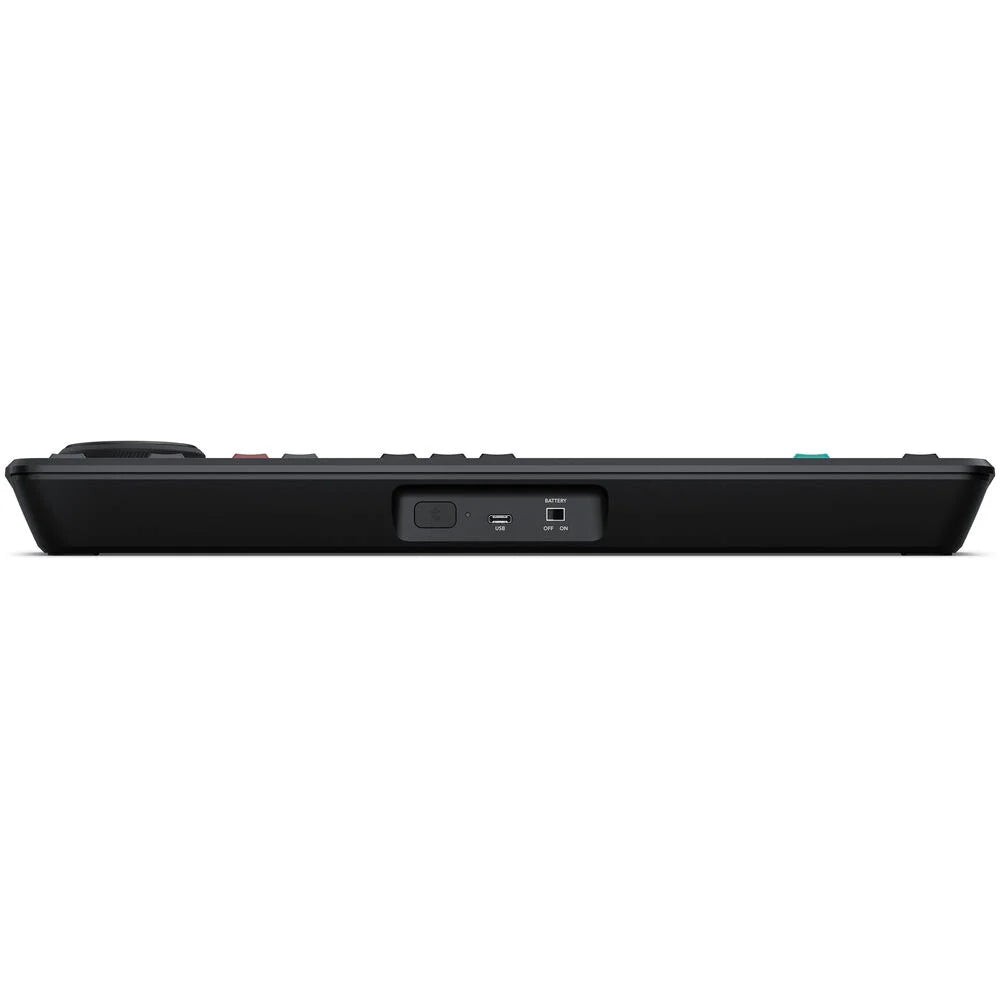
- USB-C and Bluetooth 5.1 LE connectivity
- Built-in rechargeable battery for wireless operation
- 2,020.00 AED
- 2,020.00 AED
- Unit price
- per
Dimensions: 42 x 14 x 5 cm
Weight: 1.2 kg

Description
xThe Blackmagic Design DaVinci Resolve Replay Editor is a dedicated hardware control panel designed for fast live sports replay, news production and multicamera editing. It combines dedicated replay controls with the editing capabilities of DaVinci Resolve, allowing operators to quickly select camera angles, create replays and add them directly to a timeline.
The panel is built for fast-paced live production, with a search dial for slow motion, jog and scrolling, along with dedicated controls for replay playback, camera selection, speed changes and transitions. This makes it easier to create professional replays without relying entirely on a mouse and keyboard.
With support for on-air camera switching, slow motion, live speed ramping and stinger transitions, the Replay Editor provides the controls needed for dynamic sports and broadcast replay workflows. Replays can also be added to DaVinci Resolve timelines for further editing using the Cut page.
The Replay Editor connects to a computer through USB-C or Bluetooth 5.1 LE and features an internal battery with USB-C charging, providing flexible installation and operation for professional production environments. It is compatible with supported versions of macOS, Windows and Rocky Linux.
For more professional post-production equipment, explore Systec's Blackmagic Design, and Video Production products.
Frequently Asked Questions
What is the DaVinci Resolve Replay Editor used for?
It is designed for live sports replays, news production and multicamera editing, providing dedicated controls for quickly creating and running replays.
Can the Replay Editor control slow-motion replays?
Yes. It includes a search dial and dedicated controls designed for slow motion, jog, scrolling and replay speed control.
How does the Replay Editor connect to a computer?
It can connect using USB-C or Bluetooth 5.1 LE.
Is the Replay Editor compatible with DaVinci Resolve?
Yes. It is designed specifically for DaVinci Resolve Replay and multicam editing, with replays also able to be added to the Cut page timeline for further editing.
Specs
xGeneral
| Product Type | Replay and Multicam Editing Control Panel |
|---|---|
| Primary Use | Live Sports Replay, News Cutting and Multicam Editing |
| Software Compatibility | DaVinci Resolve Replay and DaVinci Resolve Cut Page |
Connections
| Computer Interface | USB Type-C |
|---|---|
| Bluetooth | Bluetooth 5.1 LE |
Control Features
| Camera Selection | Dedicated Camera Selection Controls |
|---|---|
| Replay Control | Dedicated Replay Controls |
| Slow Motion | Supported |
| Speed Ramping | Live Speed Ramping |
| Stinger Transitions | Supported |
| On-Air Switching | Supported |
| Search Dial | Slow, Jog and Scroll Control |
| Multicam Editing | Supported |
Power
| Power Supply | Internal Battery |
|---|---|
| Power Switch | Yes |
| External Power | USB Type-C |
| Battery Charging | Via USB Type-C |
| Maximum Power Usage | 6 W |
Operating Systems
| macOS | macOS 14.3 Sonoma or Later |
|---|---|
| Windows | Windows 10 Creators Update, Windows 11, Windows 11 for ARM |
| Linux | Rocky Linux 8.6 |
Environmental
| Operating Temperature | 0°C to 40°C / 32°F to 104°F |
|---|---|
| Storage Temperature | -20°C to 60°C / -4°F to 140°F |
| Relative Humidity | 0% to 90% Non-Condensing |
